
I am not sure how I missed this, or if it is a relatively new thing, but there is a preview portal available for those of us who like to use the portal and access a newer experience over, say PowerShell.
This preview portal can be found logically enough at https://preview.portal.azure.com. I am trying to find the major differences, the only things so far is the the main navigation bar has been removed from the left side of the screen and is now a flyout at the top left of the page.

In addition I have noticed is that preview features such as the new cost analysis home page are on by default as opposed to having to be selected from the resource menu.
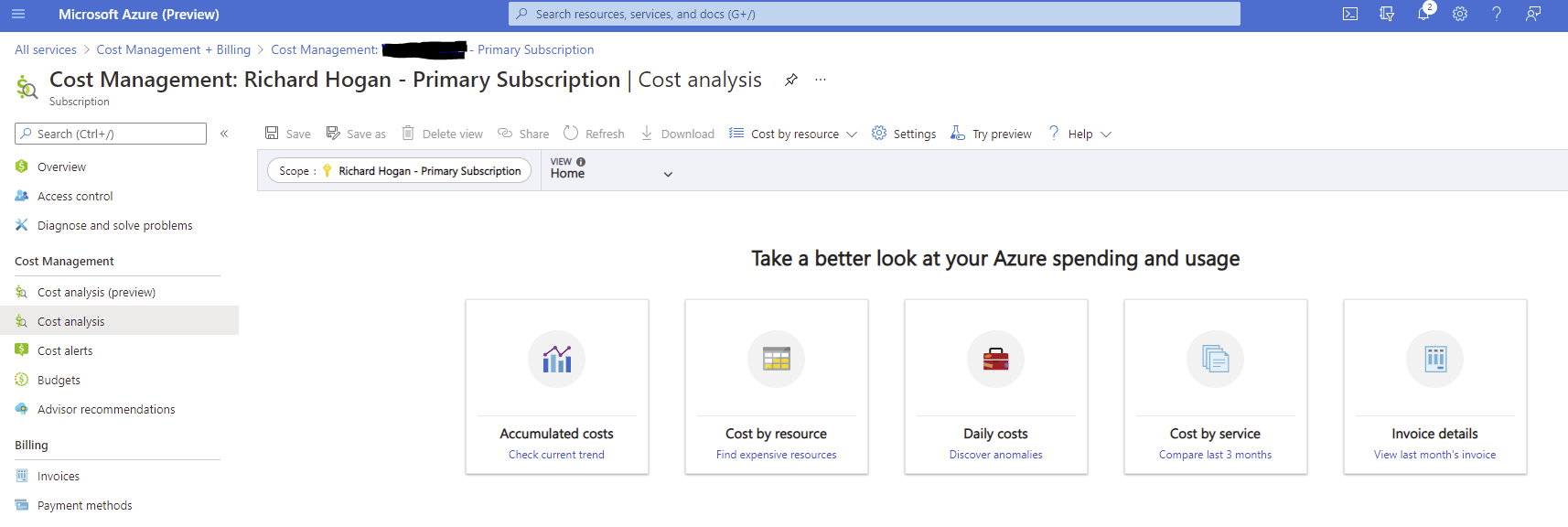
I will now use this preview portal for a while and if anything else becomes If anything else becomes obvious I will update this post accordingly.
 The Microsoft Cloud Blog
Leave a comment