
Microsoft provides a ‘free’ sandbox account for use on MS Learn courses
As some people will now from one of my previous posts I came across Bicep the other day and had some time this morning to go through some of the MS Learn resources.
What I had not previously noticed when using the excellent MS Learn site is that Microsoft provide a free sandbox subscription which can be used to work through the examples. This is a really good idea, even though I make use of my MSDN subscriptions $150 a month allowance I would really rather not use this for working through learning modules and for those without an MSDN or similar construct it is a very good way of accessing the services.
From what I can see the sandbox is active for 4 hours and you can use 10 of these a day, whether this is per learning module or if there are other restrictions it is not clear from this screen.
To activate this sandbox subscription just click on the ‘Sign in to activate sandbox’ button at the top of the article.
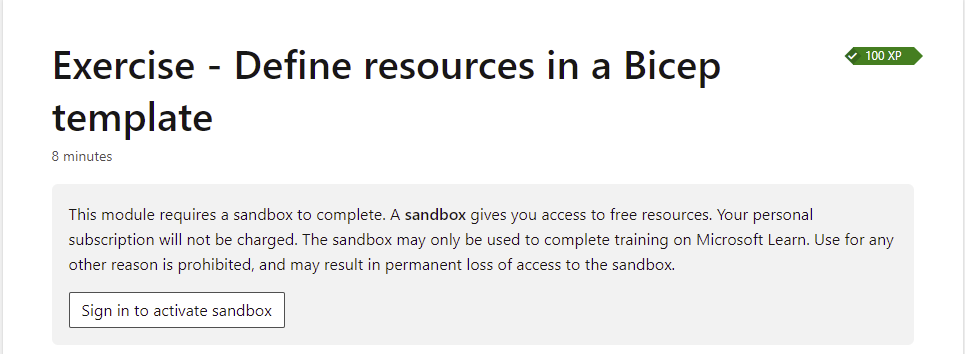
You will need to sign in with a valid Microsoft Account and it will do some validation, but after a few seconds you should see this section change to indicate that the sandbox is now active, how long you have left and the number of sandboxes that you can create over the next day.

 The Microsoft Cloud Blog
Leave a comment